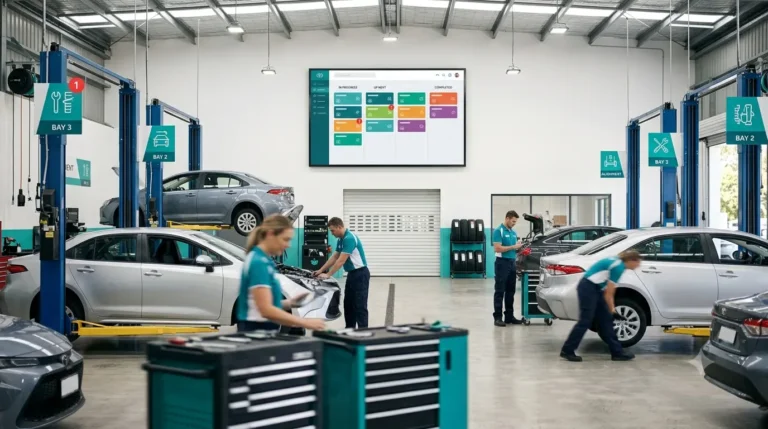
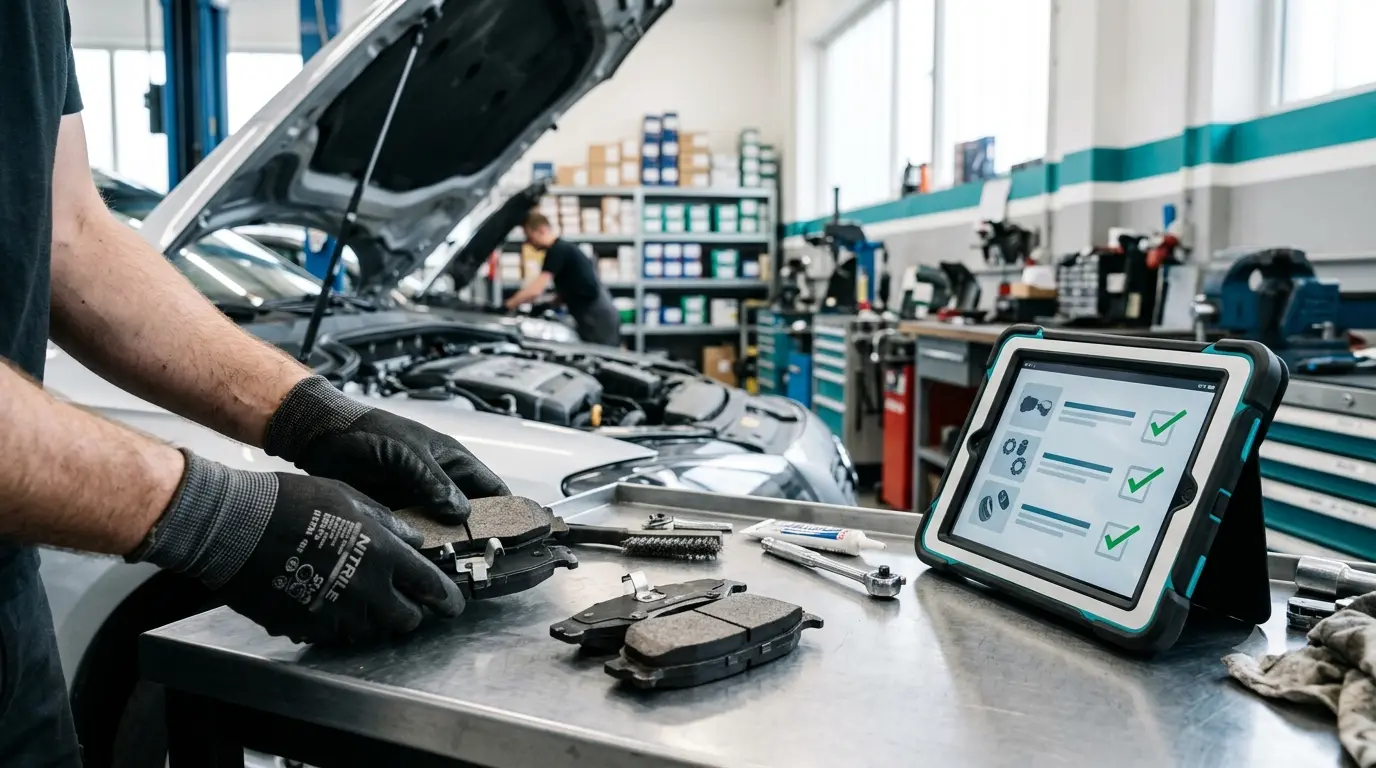
In most automotive workshops, the invisible gap between job cards and inventory is where margins quietly leak away. A missing filter here, an unbilled brake pad there over time, small mistakes add up to big losses. If your storeman is still issuing parts based on memory or scribbled notes, and you’re struggling to match what’s on the shelf to what’s billed, you’re not alone. Let’s walk through a single job card from diagnosis to after-sales, and see exactly where parts tracking breaks down and how to close each gap for good.
Stage 1: Diagnosis
Scenario:
A technician pulls in a Toyota Altis for routine servicing. While inspecting, he discovers the brake pads are worn out, and the air filter is clogged. He tells the service advisor verbally, who nods and says, “I’ll add it to the job card.”
Common Gap:
At this point, the parts requirement lives only in someone’s memory. There’s no record of which part, how many, or what brand. Details get lost between the workshop floor and the office.
Practical Fix:
Record required parts right on the job card at diagnosis. Include product name, quantity, and, if possible, a photo for clarity.
How Moiboo Helps:
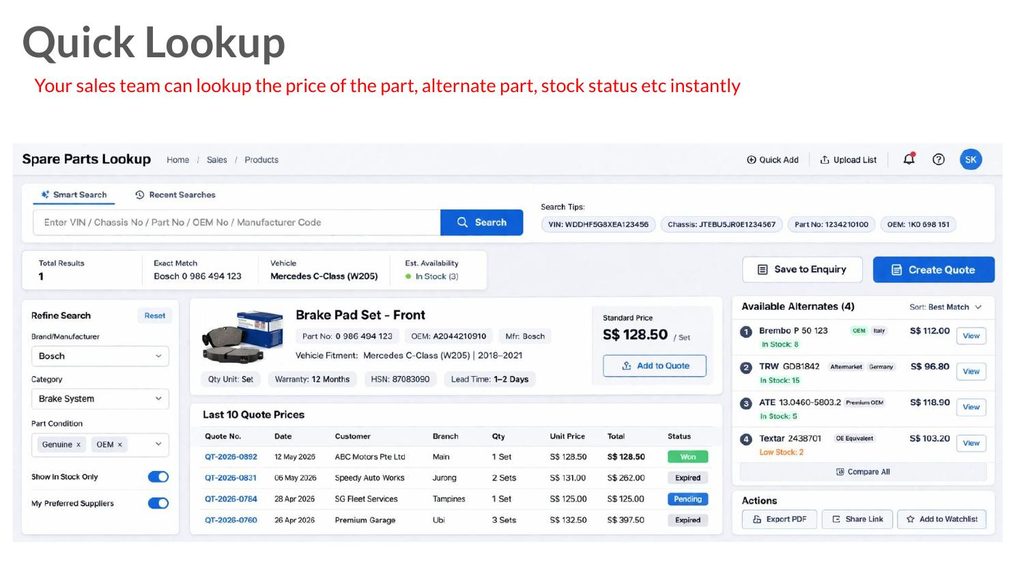
With Moiboo’s Digital Diagnosis, technicians can add required parts and estimated labor hours directly in the inspection screen, complete with product details, quantities, and photos. No more memory games.
Stage 2: Quote
Scenario:
The service advisor now has to prepare a quote. He re-types the list of parts (brake pads, air filter) into a separate quote tool, then calculates markup by hand before sending it to the customer.
Common Gap:
Double entry leads to mistakes, pricing errors, missing items, and confusion about what was actually needed. Sometimes a part gets left off the quote entirely.
Practical Fix:
Pull the parts list directly from the job card into the quote. That way, there’s no re-typing or mismatched items.
How Moiboo Helps:
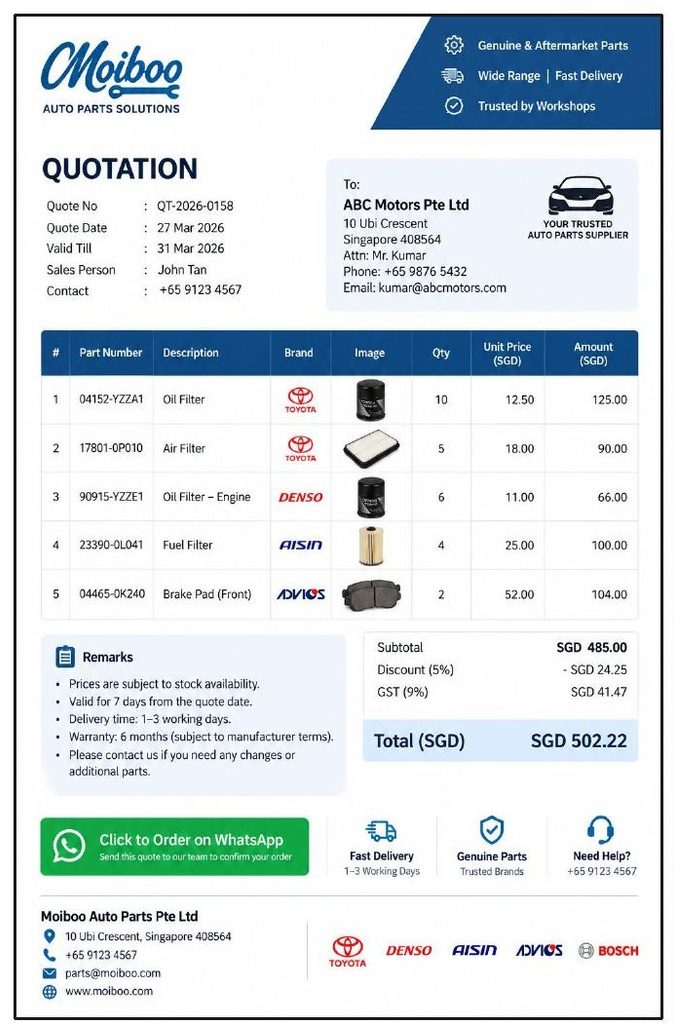
Moiboo’s Quote Preparation module takes the parts list right from the diagnosis, applies your preset markup percentage automatically, and even lets you send the quote via WhatsApp in a few taps. Less admin, fewer errors.
Stage 3: Parts Issue
Scenario:
The technician heads to the store, asks for the brake pads and filter, and the storeman hands them over making a quick note on paper. Sometimes, the update to the stock spreadsheet happens after the rush… if someone remembers.
Common Gap:
Stock isn’t deducted in real time. Parts can get issued twice, forgotten, or lost. The storeman and technician may disagree about what’s been handed over.
Practical Fix:
Issue parts against the job card so stock updates immediately. Both the technician and storeman have a digital record of what was picked, when, and for which job.
How Moiboo Helps:
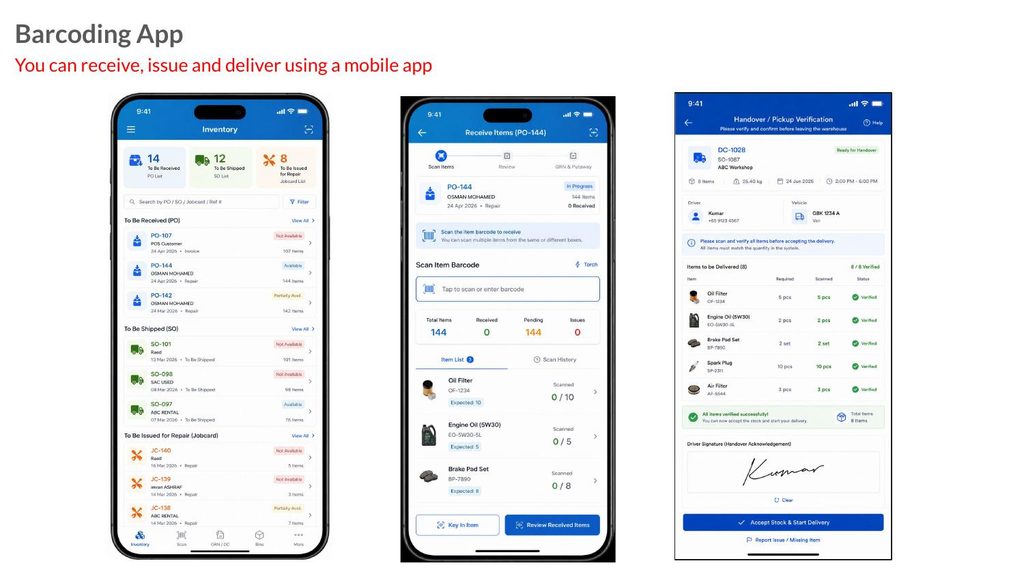
Using Inventory Barcoding & Mobile Scanning, the store person scans the job card, picks parts by bin location, and scans each item with a mobile camera—no extra hardware needed. A delivery challan is generated, and stock is updated instantly in your workshop inventory software.
Stage 4: Repair and Invoice
Scenario:
Midway through the repair, the technician realizes a part isn’t needed after all, or swaps a brand at the customer’s request. But the invoice is usually based on the original quote, not the parts actually installed.
Common Gap:
You end up billing for what was quoted, not what was really used. Unused parts stay on the invoice, while extras may be missed entirely.
Practical Fix:
Before invoicing, reconcile what was issued against what’s being billed. Only charge for the parts actually installed.
How Moiboo Helps:
With Moiboo’s workflow, parts issued on the job card flow seamlessly into the invoice, so billing matches real usage—not just what was planned.
Stage 5: After the Job
Scenario:
Three months later, the customer returns, claiming a brake pad failed under warranty. But which part was used? Which batch? Which technician installed it?
Common Gap:
There’s no part-level record tied to the vehicle or job. Proving warranty coverage becomes a guessing game.
Practical Fix:
Keep a part-by-part record, tied to each job card and vehicle, with batch/serial information and warranty terms.
How Moiboo Helps:
Moiboo’s Warranty Management tracks warranty terms, serial/batch requirements, and claim status for every part and job making warranty claims clear and fast.
FAQ
A: In Moiboo, you can reverse the parts issue directly from the job card, returning stock to inventory and keeping your records accurate.
A: Not at all. Even small workshops benefit from tighter control over inventory and billing, and modern job card software makes it easy and fast for anyone.
A: With part-level records tied to jobs and vehicles, you can instantly prove which part was installed, when, and by whom, making warranty claims straightforward and transparent.
A: Moiboo’s Inventory Barcoding & Mobile Scanning works with your phone’s camera—no expensive hardware needed.
Conclusion: Bridging the Gap for Good
Accurate parts tracking is the bridge between accurate billing, reliable stock, and fewer disputes whether with customers or suppliers. By following each job card from diagnosis to after-sales, and closing the gaps at every stage, you protect your margins and your reputation.