For car rental owners and managers, lost paperwork, unreadable signatures, and chasing down agreements over WhatsApp are daily headaches. Managing car rental agreements digitally solves these problems, saves time, and keeps your business organized. This practical guide shows how to take your car rental agreement management online, step by step.
1. What a Digital Car Rental Agreement Is
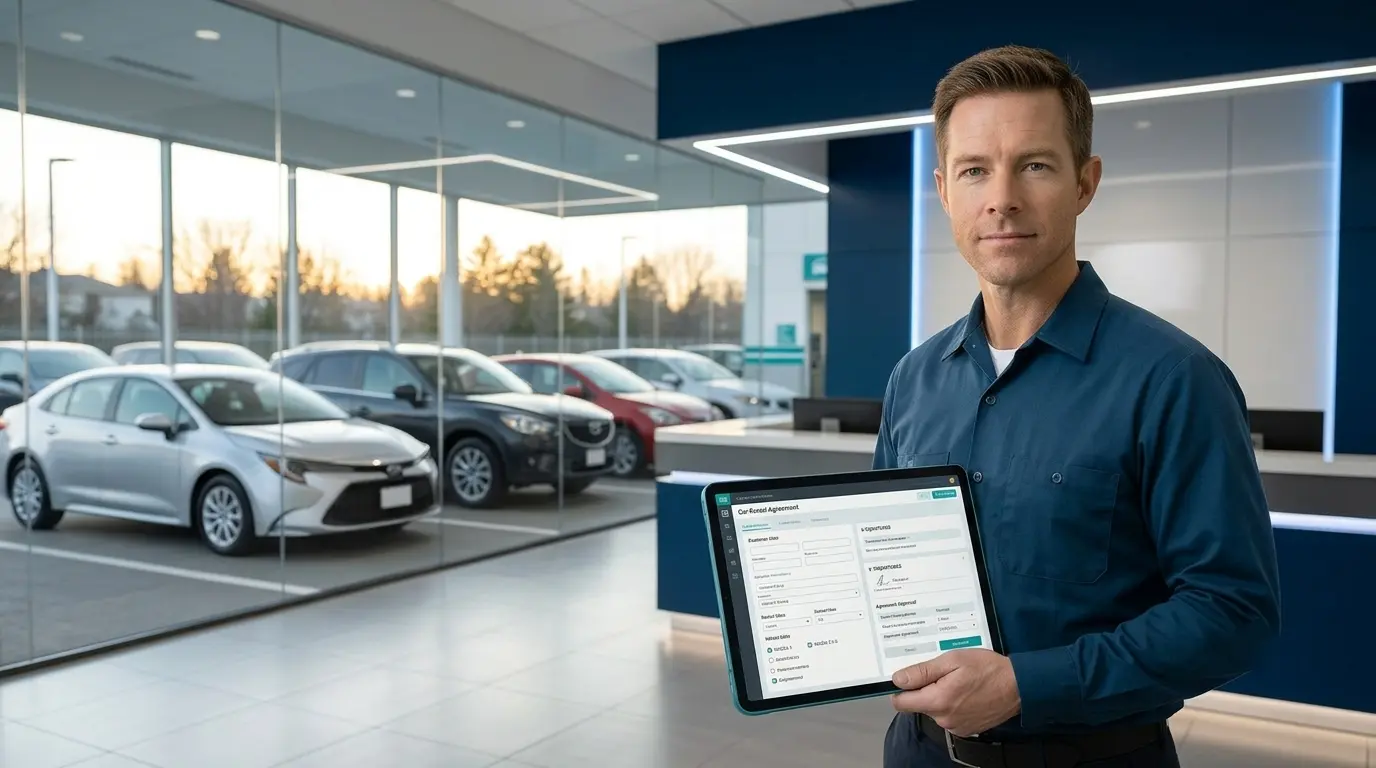
A digital car rental agreement is simply a vehicle rental contract created, sent, signed, and stored electronically no paper needed. Instead of printing forms, collecting signatures at the counter, or sending photos of contracts, digital car rental agreements use car rental contract software to streamline every step. The full agreement lives online as an electronic rental contract, accessible from your computer or phone.
2. Why Paper Agreements Cause Problems
Paper-based rental agreements create more work than they solve. Common issues include:
- Lost or unsigned copies: It’s easy to misplace paper or forget to get the customer’s signature.
- Handwriting issues: Details like names, dates, or conditions may be illegible.
- No quick search: Finding a specific agreement when a dispute, fine, or damage claim arises means digging through stacks of paper.
- Untracked changes: Updates—like an extension or new charge—often happen in chat messages, not on the contract itself.
- Scattered records: There’s no link between the agreement, deposit, photos of the car, or payment records, leading to confusion and missing documentation.
Digital car rental agreement management eliminates these pain points by automating, tracking, and storing every step in one system.
3. What a Rental Agreement Should Cover
Every electronic rental contract should include:
- Who is renting (the parties)
- Which vehicle is rented (make, model, plate)
- The rental period (start and end dates)
- Rates and charges (daily, weekly, monthly, extras)
- Deposit amount and payment terms
- Mileage and fuel policy
- Responsibility for damages, fines, and tolls
- Policy on late returns and cancellations
Note: Legal requirements and wording differ by country. Always have your car rental documentation reviewed by a qualified professional. This guide doesn’t provide legal advice.
4. Getting Agreements Signed Digitally (E-Signature Rental Agreements)
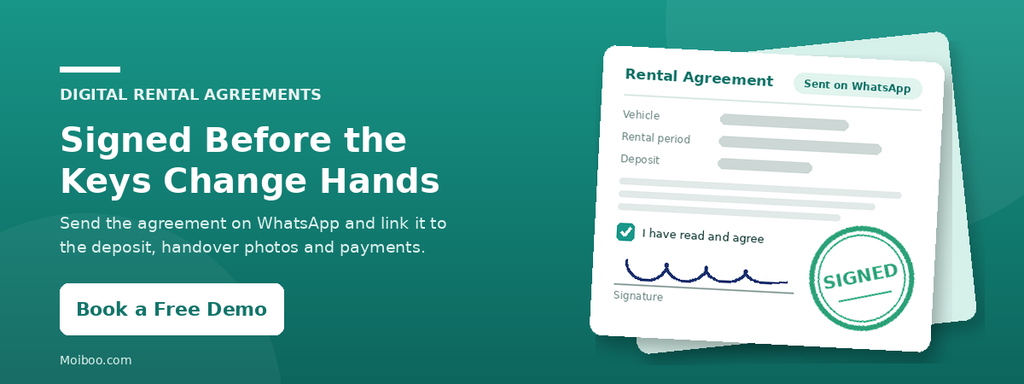
The most effective way to use e-signature rental agreements is to send the contract to the customer before they get the keys. The customer reviews and signs the agreement on their phone at home or at the counter so you never hand over a vehicle without a signed contract.
How Moiboo handles digital car rental agreements:
- Create the agreement in the system.
- Send it directly to the customer on WhatsApp for signature.
- The customer’s mobile view displays the booking summary (vehicle, rental period, amount, deposit, and balance), the terms and conditions, a checkbox to confirm they’ve read the agreement, and a signature box with a confirm button.
This process keeps everything clear and ensures signed electronic rental contracts are stored securely.
5. Track Every Agreement Through Its Life (Rental Contract Tracking)
Keeping a searchable, organized list of all active and past rental agreements is much easier than managing folders or chat logs.
With Moiboo’s car rental software:
- The Rental Agreement list lets you search by rental number, customer name, or vehicle.
- Each agreement shows its status (active, paused, draft, stopped, or completed), rental period, any free rent days, and the next invoice date.
- You can open check-out and check-in photos directly from the agreement list.
- The list can be printed or exported to Excel or PDF.
- Staff can add new agreements or import existing ones from this screen.
This level of rental contract tracking keeps your car rental documentation organized and accessible at all times.
6. Handle Changes Without Reissuing Paper (Rental Agreement Automation)
In traditional systems, changes—like extending a rental or swapping vehicles are messy, often handled via messaging apps. Rental agreement automation means all changes update the digital contract itself, not a side conversation.
Moiboo streamlines vehicle rental contracts with:
- Actions to start, pause, resume, extend, or stop a rental
- Options to replace a vehicle (upgrade, downgrade, or change within the same class)
- Tools to add or waive charges, such as late fees
- Automatic creation of invoices and credit notes when agreements change
This approach to car rental agreement management ensures every update is reflected in the contract, improving accuracy and reducing disputes.
7. Connect the Agreement to Deposits, Handover and Fines
A digital car rental agreement is most powerful when it connects to every part of the rental process:
- Deposits: Moiboo lets you send an e-form to collect the deposit, linking payment directly to the agreement.
- Check-out and check-in: Record vehicle condition and capture photos during handover, all attached to the agreement.
- Fines and tolls: When a fine arrives, staff can use the software to identify which customer had the vehicle at the time, review the agreement terms, and tag the fine to the correct booking.
This complete visibility protects your business and keeps vehicle rental contracts at the centre of your workflow.
8. Keep Your Car Rental Documentation Organized
Decide what you need to retain for each rental:
- The signed agreement
- Deposit records
- Check-out and check-in photos
- Invoices and payments
Store all these documents together, linked to the specific rental, so you can find everything in one place. Record retention periods depend on local regulations—always check local laws for requirements.
9. Common Mistakes With Rental Agreements
Avoid these frequent pitfalls in car rental agreement management:
- Using one template for daily, weekly, and monthly rentals
- Handing over keys before the agreement is signed
- Changing rental details in chat without updating the contract
- Saving signed agreements only in WhatsApp chats
- Failing to include fines and tolls in the agreement terms
- Not linking deposits to the correct agreement
Digital car rental contract software helps prevent these mistakes by centralizing and automating your workflow.
FAQ: Digital Car Rental Agreements
Legal validity depends on your country and the agreement type. Check local laws or consult a qualified professional before relying on electronic agreements.
It should cover the parties, vehicle details, rental period, charges, deposit, rules on mileage and fuel, damage responsibility, fines, tolls, late return, and cancellation. Get your template reviewed by an expert.
It’s best to use different templates for different rental types, as terms and rates often vary. Digital systems let you manage multiple templates easily.
Extend the agreement by updating the digital agreement itself, not just by sending a message. Moiboo’s ‘Extend’ action updates the contract and creates a new invoice automatically.
With rental contract tracking, you can search by vehicle and date to instantly find the correct agreement, see who was driving, and review the terms.
Conclusion
Digital car rental agreements put you in control. When you create and sign agreements before handover, update them as the rental changes, and link them to deposits, photos, payments, and fines, your business runs more smoothly with less risk and less paperwork.
Ready to see how Moiboo can help you organize, automate, and streamline your car rental agreement management? Book a Moiboo demo today and experience the benefits of digital car rental contracts firsthand.