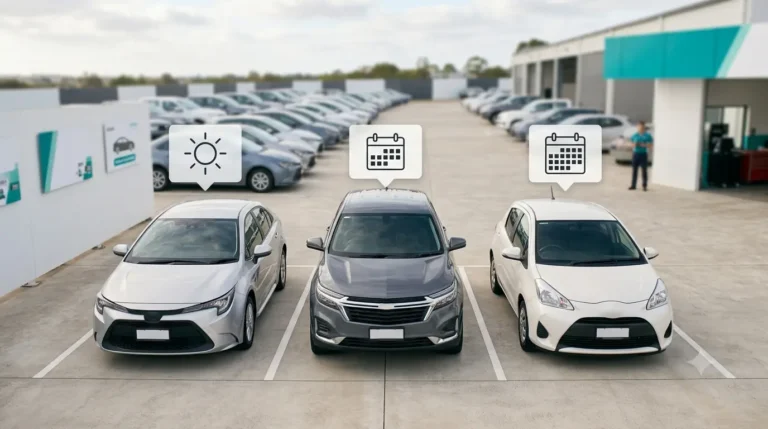

1. Why Late Returns and Extensions Disrupt a Rental Business
Late car rental returns and last-minute rental extensions can throw even the best-run operations into chaos. When a car isn’t returned on time, the next customer waits, cleaning and servicing schedules slip, and you may need to scramble for a replacement vehicle. Billing no longer matches the original agreement, confusing staff and customers alike. These disruptions make managing car rental extensions and vehicle reservations critical to running a smooth, profitable business.
2. Extension, Late Return or Pause? Know the Difference
Understanding the differences is key to effective car rental return management:
- Extension: The customer asks in advance to keep the car longer. You both agree on the new end date and cost, and update the rental agreement (rental agreement renewal) rather than starting a new one. This is classic car rental extension management.
- Late Return: The customer brings the car back after the agreed time without prior arrangement. This unplanned overrun can mean the car isn’t ready for the next booking, and triggers late return fees.
- Pause: The vehicle is temporarily out of service during a rental (for example, because of a breakdown or accident). Pausing doesn’t end the rental but may alter billing or the rental period.
3. Step 1: Put the Rules in the Agreement
The best time to manage late returns and extensions is before the rental starts. Your agreement should state:
- How and when the customer should request an extension
- What counts as a late return
- What late return fees apply
Rules vary by country, so always check local requirements or take professional advice before setting policies. Clear terms are the foundation of fair, consistent car rental return management.
4. Step 2: Know Which Cars Are Due Back (Rental Period Tracking)
Every morning, review which cars are scheduled to return today and which are already overdue. This allows you to act before the next customer arrives, avoiding last-minute scrambles.
With Moiboo:
- The fleet dashboard displays the count of cars due and overdue.
- The availability calendar uses color-coding to show due and overdue vehicles, helping you with rental availability tracking and car rental scheduling software needs.
- The rental agreement list shows each rental’s status, scheduled rental period, free rent days remaining, and the next invoice date—making it easy for staff to stay on top of rental period tracking without missing a beat.
5. Step 3: Handle an Extension Request
When a customer calls or messages to request more time, follow this process:
- Check the calendar for the next reservation on that vehicle. Ensure the extension won’t disrupt a subsequent booking.
- Agree on the new end date and price with the customer. Be upfront and fair.
- Record the change in your rental extension software or agreement.
- Confirm the new terms in writing (SMS, email, or printed document).
With Moiboo:
- The Extend Rental form lets staff extend by days or to a date, shows the current and new rental period, records the reason (e.g., customer request), and includes remarks.
- Staff can select a billing impact: continue billing for the extended period, or apply free rent days. The form displays remaining free rent days.
- Supporting files can be attached.
- Invoices and credit notes are issued automatically when the agreement is updated, streamlining car rental extension management.
6. Step 4: When You Can’t Grant the Extension
Sometimes, you just can’t allow an extension—perhaps the car is already booked for another customer. In this case:
- Offer a replacement vehicle if possible (upgrade, downgrade, or swap for a similar class).
- If that’s not feasible, agree on a firm return time and communicate early to avoid disappointment.
With Moiboo:
- The Replace Vehicle action lets staff swap vehicles under the same agreement and shows the impact on rental days and agreement terms, supporting robust vehicle reservation management.
7. Step 5: Deal With a Late Return (Late Return Fees)
When a car is returned late without prior notice:
- Contact the customer promptly and politely.
- Record when and why it was late.
- Inform the next customer early.
- Apply a late fee only as permitted in the agreement.
- Provide the late fee details in writing.
With Moiboo:
- Staff can add a late fee through billing adjustment, include remarks, and choose whether it affects the current or next invoice.
- The adjustment supports both tax-exclusive and tax-inclusive fees, creating a credit or debit note as needed. This ensures your car rental return management is transparent and fair. Note: Moiboo does not calculate or apply late fees automatically; staff must review and process each case.
8. Step 6: Pauses for Breakdowns, Accidents and Service
If a car becomes unusable during a rental (e.g., due to breakdown or accident):
- Record the pause, the reason, and an expected resume date if known.
- Decide whether to pause billing, extend the rental, or continue billing during the pause, based on your policy and agreement.
With Moiboo:
- The Pause Rental form records the pause date, expected resume date (optional), reason, remarks, and allows file attachments.
- Staff can choose the billing impact: pause billing, extend the rental period, or continue billing. The rental can be resumed after the pause.
9. Step 7: Waivers and Goodwill
There will be situations where it’s fair to waive or reduce charges—perhaps as compensation for a service delay or as a gesture of goodwill. When you do:
- Always record the waiver with a clear reason so your records show why the charge was reduced or eliminated.
With Moiboo:
- Billing adjustments can reduce a charge for reasons such as goodwill, free rental, service delay, or compensation, with space for remarks. This makes rental agreement renewal and billing transparent for both staff and customers.
10. Protect the Next Booking
To keep operations running smoothly:
- Build a buffer period between rentals where possible.
- Keep a spare vehicle ready for peak times.
- Notify the next customer promptly if a delay is unavoidable.
With Moiboo:
- The fleet calendar shows booked, available, and due/overdue status, helping staff quickly assess which bookings are at risk and supporting effective car rental scheduling software use.
11. Closing the Rental After a Late Return
When a late return finally arrives:
- Record the return in your system.
- Compare the car’s check-in condition to the check-out condition to identify any new damage.
- Issue the final invoice, reflecting any late fees or adjustments.
- Close the agreement.
With Moiboo:
- The workflow moves from Stop Rental (early return, repossession, or contract completed) through check-in and vehicle return to the final invoice. Staff can upload check-in photos for a clear rental closing record.
12. Common Mistakes With Late Returns and Extensions
Avoid these pitfalls:
- Agreeing to extensions via chat or phone but not updating the agreement in the system
- Failing to check the next booking before granting an extension
- Not specifying late-return terms in the agreement
- Charging late fees inconsistently
- Only discovering a late return when the next customer arrives
- Not recording waivers or goodwill credits
Rental period tracking and thorough car rental return management help prevent these costly errors.
13. A Daily Due-Back Routine
A simple daily checklist for car rental extension management:
- Review today’s scheduled returns and overdue vehicles
- Contact any customers with late cars
- Check the next booking for each vehicle
- Record any extensions, pauses, or late fees in the agreement
- Update the availability calendar and rental period tracking
FAQ Section
Should I charge a fee for a late car rental return?
It depends on your agreement and local laws. Clearly state late return fees in your rental agreement and apply them consistently, as allowed.
How should I handle a request to extend a rental?
Check the vehicle’s reservation schedule, agree on a new end date and price, update the agreement, and confirm the change in writing.
Is there a grace period for returning a rental car?
Grace periods and rules vary by company and country. Follow what’s in your agreement and check local regulations.
What should I do if a customer doesn’t return the car?
Contact the customer, follow your agreement’s steps, and seek local legal advice if needed. Do not take action outside the agreement or local laws.
Can I automate return reminders?
Many companies use calendar reminders or rental scheduling software to help staff track due-backs, but always check your system’s features and keep manual checks as a backup. Not all systems provide automated customer reminders.
Conclusion
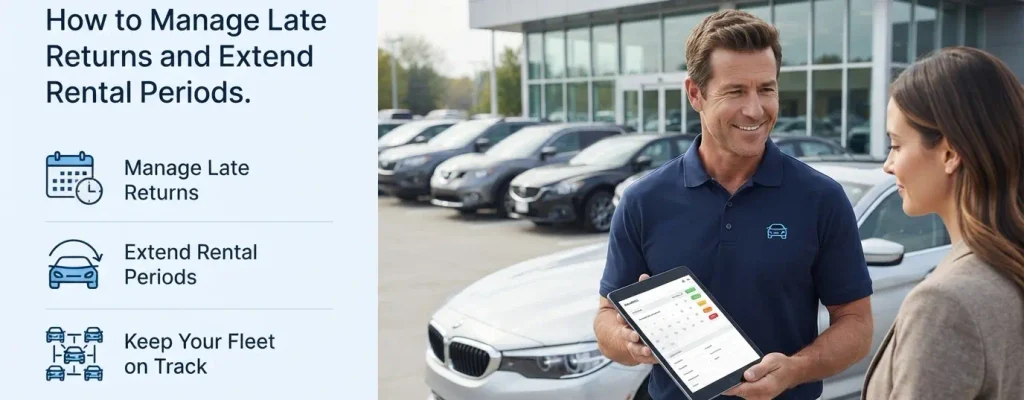
Late returns and rental extensions are manageable challenges when you:
- Set clear rules in your agreement
- Check due-back vehicles daily
- Record every change and its billing impact
- Protect the next booking with proactive communication
Moiboo’s rental extension software and vehicle reservation management tools help you track, record, and bill fairly, keeping your operation efficient and your customers satisfied.